

Blog
Hybrid Work Doubled Your Ergonomic Problems
Two workspaces. Two sets of problems. One body absorbing all of it.
When hybrid work became the new normal across Bulgaria’s IT, finance, and shared services sectors, it was framed as the best of both worlds; the focus of home, the energy of the office, on your own terms.
What nobody mentioned is the ergonomic reality: most hybrid workers are now splitting their time between a poorly designed corporate desk and an even worse home setup. The result is not the best of both worlds. It is twice the damage to the same spine, the same shoulders, the same wrists.
This is the hybrid work problem that nobody talks about. And it is getting worse the longer it goes unaddressed.
Why One Bad Setup Was Already Enough
Before hybrid work, you had one workstation. One set of compromises. One set of adaptations your body made to get through the day.
That was already a problem. Studies published in the International Journal of Environmental Research and Public Health found that remote workers without proper ergonomic setups reported significantly elevated rates of musculoskeletal discomfort, in the neck, lower back, shoulders, and wrists, after sustained home working.
But at least it was one problem. Your body could, imperfectly, adapt to a consistent environment.
Hybrid work removed that consistency. Now your body is adapting and re-adapting to two different environments, multiple times a week, with different desk heights, different chair types, different screen positions, different lighting conditions. Every switch resets the accumulated micro-adjustments your musculoskeletal system was trying to make.
Inconsistency is its own form of ergonomic damage.
The Office: Half of the Problem
There is a persistent assumption in corporate culture that office furniture is fine because it was purchased by a company, by someone who presumably knew what they were doing.
It usually wasn’t, and they usually didn’t.
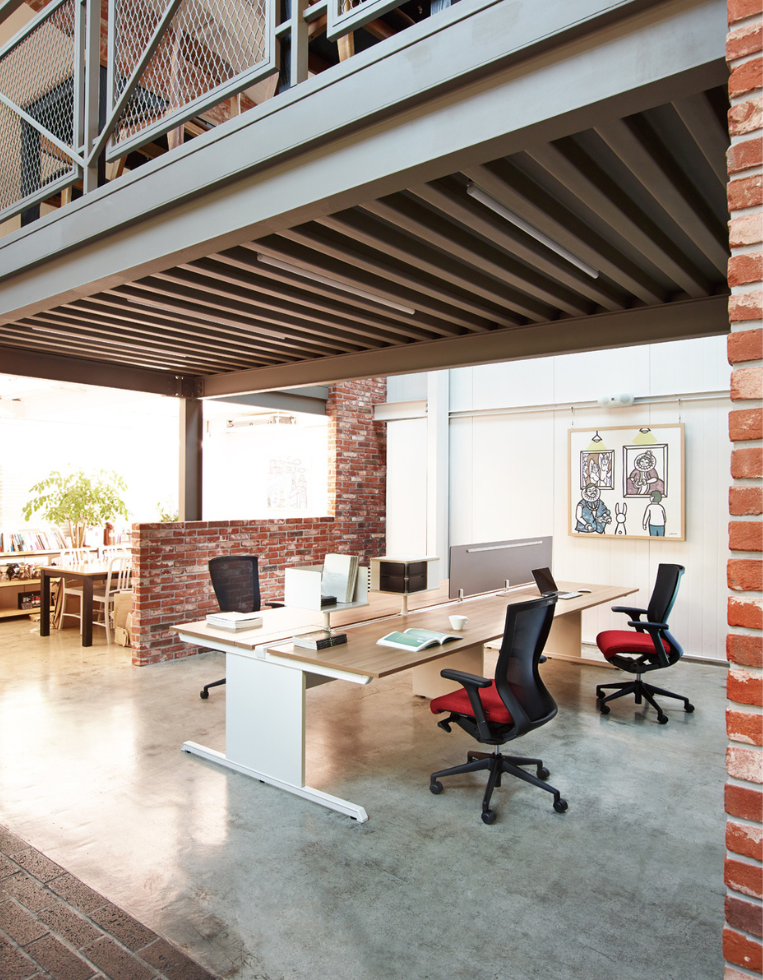
Most Bulgarian corporate offices still feature fixed-height desks, basic task chairs with minimal lumbar adjustability, monitors sitting directly on desk surfaces (too low for almost everyone), and dense open-plan layouts designed for density, not for health.
The chairs, in particular, are typically unadjusted. Research consistently shows that most office workers never configure their chair after sitting in it for the first time, and in shared or hot-desk environments (increasingly common in hybrid setups), they may be using a chair configured for a completely different body by the person who sat there yesterday.
The office problems that affect hybrid workers most:
- Hot-desking — you sit wherever is free, meaning your setup changes every time you come in. You spend the first ten minutes of every office day in a workstation that doesn’t fit you.
- Fixed monitor heights — monitors on desk surfaces are almost universally too low, forcing sustained neck flexion for hours.
- Shared chairs, unadjusted — the person before you was taller, shorter, or heavier. The chair was set for them. You sit in it without changing anything because it feels fine at first.
- No standing option — most Bulgarian offices still have no height-adjustable desks. You sit, without interruption, for the entire day.
The Home: Half of the Problem
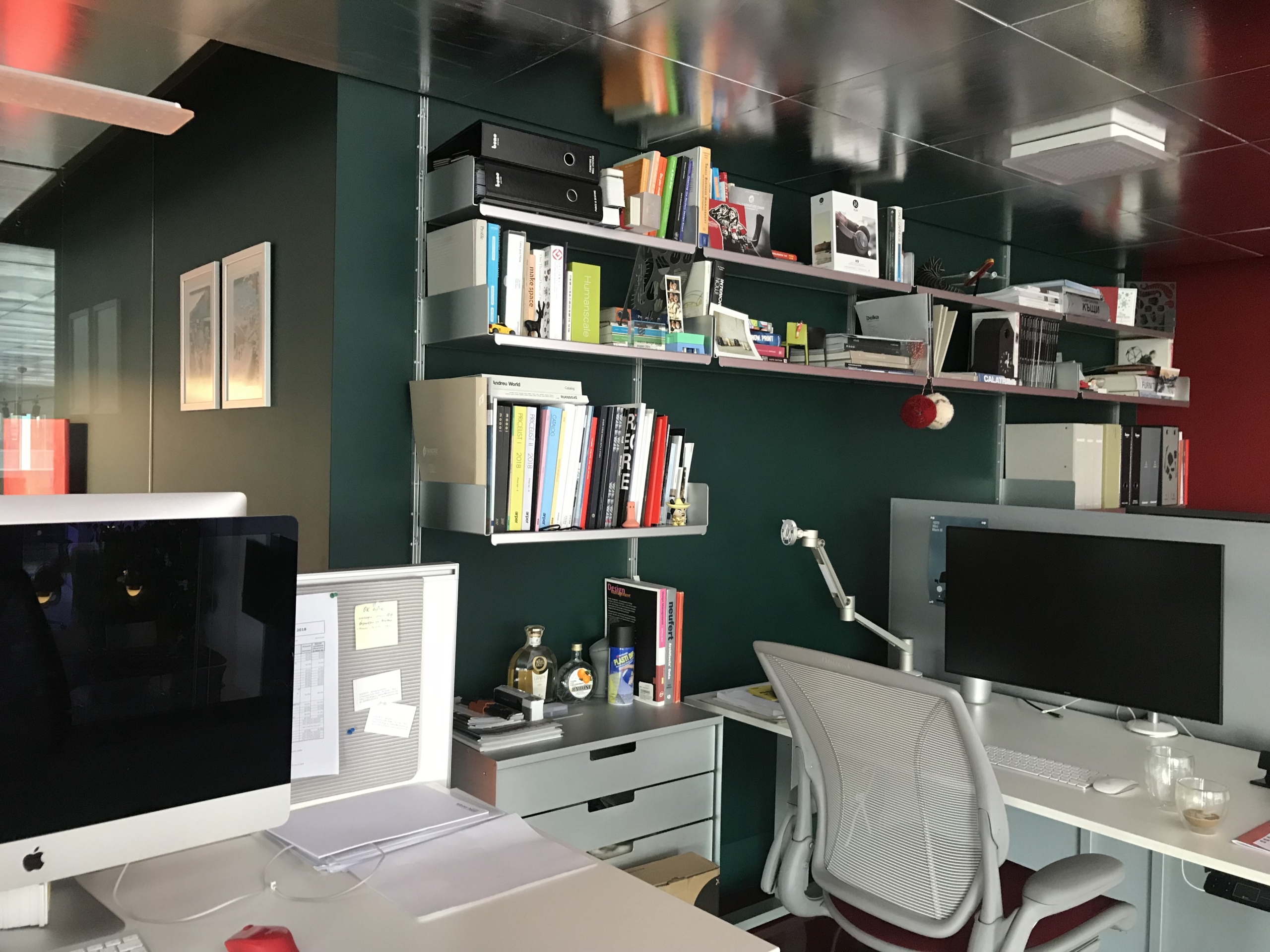
If the office half of the problem is a known quantity, at least it was purpose-built for work, the home half is often significantly worse.
Most home offices in Bulgaria were set up in 2020 in a matter of days and have not changed since. A dining table. A kitchen chair. A laptop. Whatever angle the screen ended up at.
For people working two or three days a week from home, this feels less urgent to fix because they are “only home for a few days.” But two or three days a week is 40–60% of working hours. That is not a temporary setup. That is a permanent ergonomic environment that has simply never been treated as one.
The home problems that affect hybrid workers most:
- Laptop-only working — a laptop screen is always too low and always too close or too far. It is the single most common cause of neck and upper back pain in home workers.
- Non-adjustable seating — dining chairs and kitchen stools provide no lumbar support and are typically the wrong height for desk work.
- No movement infrastructure — at the office, you at least walk to meetings, to the kitchen, to a colleague’s desk. At home, many people sit in a single position for four, five, six hours without standing once.
- Informal working postures — sofas, beds, floors. We have written about exactly why working from bed is a health hazard, but the same logic applies to any surface that was not designed for sustained work.
The Compounding Effect Nobody Warns You About
Here is what makes hybrid work uniquely damaging from an ergonomic perspective and why it is not simply the sum of two separate problems.
When you move between environments, your body is not starting fresh. It is carrying the accumulated strain from the previous environment into the next one.
Spend Monday and Tuesday hunched over a laptop at home with your neck in 20 degrees of forward flexion. Come into the office on Wednesday to a hot-desk with a chair set for someone taller. Your cervical spine and upper trapezius arrive at that desk already fatigued and now they are being asked to adapt to a completely different loading pattern.
This is the compounding cycle of hybrid ergonomic damage: fatigue from environment one amplifies the strain from environment two, and vice versa, indefinitely.
It is why so many hybrid workers in Sofia describe a pattern of discomfort that “builds through the week”, reaching a peak by Thursday or Friday regardless of which environments they have been in. The body cannot recover between switches if neither environment supports recovery.
The Fix Is Simpler Than You Think
The good news is that solving the hybrid ergonomic problem does not require a perfect setup in two places. It requires a good enough setup in both, and the two setups should be configured to the same standards so that your body is not constantly readjusting.
Priority 1: Fix your home setup first
The home office is where most hybrid workers have the most control and the lowest baseline quality. It is also where improvement is most immediately possible, because you own the space and can change it without asking anyone.
The highest-impact home upgrades, in order of priority:
An ergonomic chair. This is the non-negotiable starting point. A chair with adjustable lumbar support, seat height, and armrests that you configure to your body creates the postural foundation that everything else builds on. We have broken down what actually separates an ergonomic chair from a regular one in this guide.
Raise your screen. If you work on a laptop, a laptop stand and an external keyboard is the most dramatic single upgrade available for under €50. Your screen comes up to eye level; your neck flexion is eliminated; your upper back immediately has less work to do.
A sit-stand desk. The ability to alternate between sitting and standing throughout the day addresses the movement deficit that is one of home working’s biggest physical costs. The evidence on sit-stand desks is clear, postural variation is significantly more important to long-term musculoskeletal health than any single adjustment you can make to a seated position. Browse Studio Novo’s sit-stand range, available with free shipping across the EU.
Priority 2: Be deliberate at the office
At the office, you have less control over the furniture, but you have more agency than most people exercise.
Always adjust the chair before you start working. On a hot-desk, this takes sixty seconds. Set the seat height so your feet are flat on the floor and your elbows align with the desk. Check the lumbar support position. It is easy to skip because nothing feels wrong immediately. But in an hour, you will feel it.
Raise the monitor if you can. A monitor arm, a laptop stand, or even a sturdy stack of books will bring the screen to the right height. Many offices now have monitor arms on shared desks. Use them.
Stand up more than you think you need to. In an office, there are natural excuses to stand, walk to a meeting room, go to the kitchen, speak to a colleague in person rather than messaging them. Use all of these deliberately. If your office has sit-stand desks, request one or make a case for them. We help companies set up ergonomic hybrid office environments through Studio Novo’s corporate solutions.
Priority 3: Match your setups as closely as possible
The most overlooked hybrid ergonomic fix is calibration consistency. If your home chair is set 5 cm lower than your office chair, and your screens are at completely different heights, your body is managing two different postural regimes, and never fully settling into either one.
Aim to have both setups configured to the same ergonomic parameters: the same seat height, the same monitor height and distance, the same keyboard-to-elbow alignment. When you switch environments, your body should feel broadly similar, not fundamentally different.
What Employers Are (and Aren’t) Doing
This is a conversation worth having directly with your employer. Hybrid work was introduced as a benefit, but if it has been implemented without any attention to the ergonomic infrastructure at home, part of the cost is being absorbed by employees’ bodies.
EU-OSHA guidance is clear that employers retain health and safety responsibility for remote workers. In practice, this often means nothing happens, but the growing awareness of this issue is creating space for companies to respond proactively, both as a duty of care and as a talent retention strategy.
If you are an employer, HR professional, or operations manager thinking about this: we consult with Bulgarian organisations on hybrid ergonomic programmes that address both the office and home environments. This starts with our professional ergonomic assessment service.
If you are an employee: ask. Many Bulgarian companies now have ergonomic budgets or WFH stipends. The question is whether anyone has claimed them.
A Real Pattern We See in Sofia
After helping hundreds of individuals and companies set up ergonomic workspaces in Bulgaria, we see the same hybrid pattern repeatedly.
Someone comes to us, usually referred by a physiotherapist or prompted by persistent neck or lower back pain, and describes their week. Three days in an open-plan office in a business district in Sofia. Two days at a kitchen table. Monday feels fine. By Wednesday, they are stiff. By Friday, they are in pain.
When we do the assessment, the answer is almost always the same: neither setup is adequate, the two are configured differently, and the body has been trying unsuccessfully to adapt to both for months or years.
The fix is usually not complicated. It requires the right chair at home, a few targeted upgrades, and deliberate habits at the office. But it does require treating the home workspace as a permanent investment, not a temporary one.
If this pattern sounds familiar, our free ergonomic assessment tool is a good starting point. It takes five minutes and gives you a personalised read on where your setup is most likely costing you.
The Bottom Line
Hybrid work is not going away. In Bulgaria’s knowledge economy, two or three days a week from home is now the default expectation across most sectors.
The question is whether you treat that home workspace as a temporary arrangement to be tolerated, or as a permanent environment worth investing in.
If you spend 40–60% of your working hours at home, your home office deserves 40–60% of the ergonomic attention your employer (theoretically) gives to your desk at the office. Most people currently give it zero.
Two workspaces, one body. The math only works if both setups are doing their job.
If you want a personalised starting point, take the Studio Novo Ergonomic Assessment; it identifies exactly where your current setup is working against you and what to prioritise first.
Ready to Fix Both Sides of the Equation?
You don’t need to overhaul everything at once. You need the right starting point: a chair that’s actually configured to your body, a screen at the right height, and someone who can tell you what’s quietly costing you the most.
Studio Novo has been helping individuals and companies across Bulgaria build ergonomic workspaces that work at the office, at home, and everywhere in between. Visit our showroom, explore our home office range online, or book a consultation and let us do the assessment for you.
Studio Novo provides ergonomic chairs and office furniture across Bulgaria, helping teams and individuals design healthier, more productive workspaces.
📍 Showroom: 5 Panorama Sofia Street, XS Tower (Ground Floor), Sofia 1766
🌐 Online: snolw.com
📞 Contact: +359 882 282 663
🎁 Special Offer: Book a consultation this month and receive a complimentary ergonomic assessment — a €150 value, on us.
Blog

Why Your Chair Is Ruining Your Sleep
Yes, a poorly fitted office chair can disrupt your sleep. Hours of unsupported sitting build muscle…
The Truth About Workplace Ergonomics: 3 Expensive Myths You Need to Stop Believing
And why “I’ll fix it eventually” is costing you more than you think. You know the setup. A chair dragged in from the dining room…
The ‘Good Enough’ Trap: Why People Settle for Bad Home Office Furniture
And why “I’ll fix it eventually” is costing you more than you think. You know the setup. A chair dragged in from the dining room…