


Blog
5 Tips for a Proper Ergonomic Home Setup in Bulgaria
Working from home has become a permanent reality for hundreds of thousands of people across Bulgaria. In Sofia alone, the IT, finance, and shared services sectors have seen remote and hybrid work become the default rather than the exception.
But for most people, the home office was set up in a hurry, a kitchen table, a dining chair, a laptop balanced on a stack of books. What started as a temporary arrangement has quietly become a long-term health risk.
The good news is that a proper ergonomic home setup does not require a complete home renovation or a large budget. It requires the right knowledge, the right priorities, and a handful of targeted upgrades. Here are five practical tips to help you get it right.
Tip 1: Get Your Chair and Desk Height Right First
Everything in an ergonomic home setup flows from one foundational question: are your chair and desk height calibrated to your body?
Most people in Bulgaria work at a fixed-height dining table or a standard desk that was never designed for an eight-hour workday. The result is a forced compromise — either the desk is too high, causing the shoulders to lift and the wrists to angle upward, or it is too low, causing the upper back to round forward.
Chair height
Adjust your chair so that both feet rest flat on the floor and your knees form roughly a 90-degree angle. There should be a small gap, about two fingers’ width, between the back of your knees and the seat edge. This prevents restricted blood flow and reduces lower leg fatigue over long sessions.
Desk height
When your hands are resting on the keyboard, your elbows should be at approximately 90 to 110 degrees, with your forearms roughly parallel to the floor. Your shoulders should feel relaxed — not lifted. If your desk is fixed at the wrong height, a monitor arm, keyboard tray, or seat cushion can help you compensate. The ideal long-term solution is a height-adjustable sit-stand desk.
If you are unsure whether your current setup is calibrated correctly, take our free Ergonomic Assessment at snolw.com. It takes about five minutes and gives you a personalised report on your workstation.
Tip 2: Invest in a Proper Ergonomic Chair — Not Just Any Chair
The chair is the single most important piece of equipment in any ergonomic home setup. It is also the upgrade most frequently underestimated by Bulgarian remote workers, who often assume that any padded seat will do the job.
It will not. A standard dining chair, a gaming chair, or a cheap task chair without adjustable lumbar support will undermine every other ergonomic improvement you make. Your lower back needs consistent, adjustable support throughout the day — not just at the beginning when you sit down fresh.
The key features to look for in an ergonomic chair for home use:
- Adjustable lumbar support that fits the natural curve of your lower back
- Seat height adjustment across a sufficient range for your body
- Armrests that allow your shoulders to remain relaxed
- A seat depth that fits your leg length — not too deep, not too shallow
- A recline mechanism that allows your weight to shift during the day
Self-adjusting ergonomic chairs, those that respond to your body weight and movement without requiring manual configuration, are particularly effective for home use, where most people simply will not stop to adjust settings throughout the day.
We have covered this in depth in our guide:
What’s the Difference Between an Ergonomic Work Chair and a Regular Office Chair?
For a curated selection of ergonomic work chairs available in Bulgaria, browse the Studio Novo work chairs range, including models from Sidiz, Krede, and Humanscale, all available with free EU delivery.
Tip 3: Position Your Keyboard, Mouse, and Monitor Correctly
Correct chair height gets you into the right seated position. How you then place your keyboard, mouse, and screen determines whether you stay there, or gradually drift into neck strain and wrist discomfort.
Keyboard and mouse
Your keyboard should sit directly in front of you, close enough that you do not have to reach forward to type. Keep it at a distance where your elbows remain by your sides. Ideally, your wrists should float just above the keyboard surface during active typing. Resting them on the desk while typing causes the wrist to angle upward, which over time creates tension in the tendons and increases the risk of repetitive strain injury.
Your mouse should sit at the same level as your keyboard, as close to it as possible. The further you reach to the side for your mouse, the more strain you place on the shoulder and upper arm. Consider a compact keyboard (without a number pad) if your standard keyboard forces the mouse too far to the right.
Monitor height and distance
The top of your monitor should be at or just slightly below eye level. If you are looking down at a laptop screen all day, your neck is held in a sustained forward-flexed position that progressively loads the cervical spine. Over weeks and months, this becomes chronic neck and upper back pain.
Position your screen approximately 50 to 70 centimetres from your face — about arm’s length. If you work on a laptop, a separate monitor or a laptop stand combined with an external keyboard is one of the highest-value investments you can make in your ergonomic home setup in Bulgaria.
Browse our range of monitor stands and work tools, designed to bring any screen to the correct ergonomic height.
Tip 4: Add a Sit-Stand Desk to Break the Sedentary Cycle
Adjusting your seated posture is important. But the most impactful ergonomic change you can make to a home office setup in Sofia or anywhere in Bulgaria is to stop being seated all day entirely.
Prolonged sitting, regardless of how well-configured your chair is, increases spinal load, slows circulation, and reduces cognitive alertness. Research consistently shows that alternating between sitting and standing throughout the day reduces musculoskeletal discomfort and improves sustained concentration.
A sit-stand desk does not mean you stand all day. It means you have the option to vary your posture. A typical effective pattern is 45 to 60 minutes seated, followed by 15 to 20 minutes standing, repeated throughout the day. Most people who adopt this rhythm report less afternoon fatigue and improved focus after returning to a seated position.
For home office use, electric height-adjustable desks have become significantly more accessible in recent years, and they are available for delivery across Bulgaria.
Read our full guide:
Why a Sit-Stand Desk is Essential for a Healthier and More Productive Workspace
Or explore our sit-stand desk range directly.
Tip 5: Take Regular Breaks And Make Them Count
Even a perfectly configured ergonomic home setup in Bulgaria cannot fully counteract the effects of sitting without movement for hours. The human body is not designed for sustained static postures, no matter how well-supported.
The most effective strategy is simple but consistently overlooked: take a short break every 30 to 45 minutes. Stand up. Move around. Stretch. Let your eyes rest from the screen.
Stretches worth doing
- Reach both arms overhead and interlace your fingers — hold for 10 seconds
- Roll your shoulders backward five times, then forward five times
- Slowly tilt your head toward each shoulder to release neck tension
- Stretch your wrists by gently pulling each hand back toward you
- Stand and do a gentle torso rotation — left and right — to release lower back tension
Micro-movements during work
You do not need to leave your desk to move. Shifting your weight, adjusting your seated position, or using a chair with a dynamic recline mechanism all encourage the small postural adjustments that prevent the muscle fatigue associated with static sitting. A quality ergonomic chair makes this natural, a poor one works against it.
For more on listening to what your body is telling you at your desk, read our guide:
How to Listen to Your Body While You Work
Bonus: What About Ergonomic Home Setups for Children in Bulgaria?
If you have school-age children studying or doing homework at a desk at home, the same ergonomic principles apply, with one important difference: children’s bodies are still developing, and poor posture habits formed young tend to persist.
A chair that grows with your child, adjusting seat height, seat depth, and back support as they grow, is one of the most valuable investments a Bulgarian parent can make in their child’s long-term health.
Read our review:
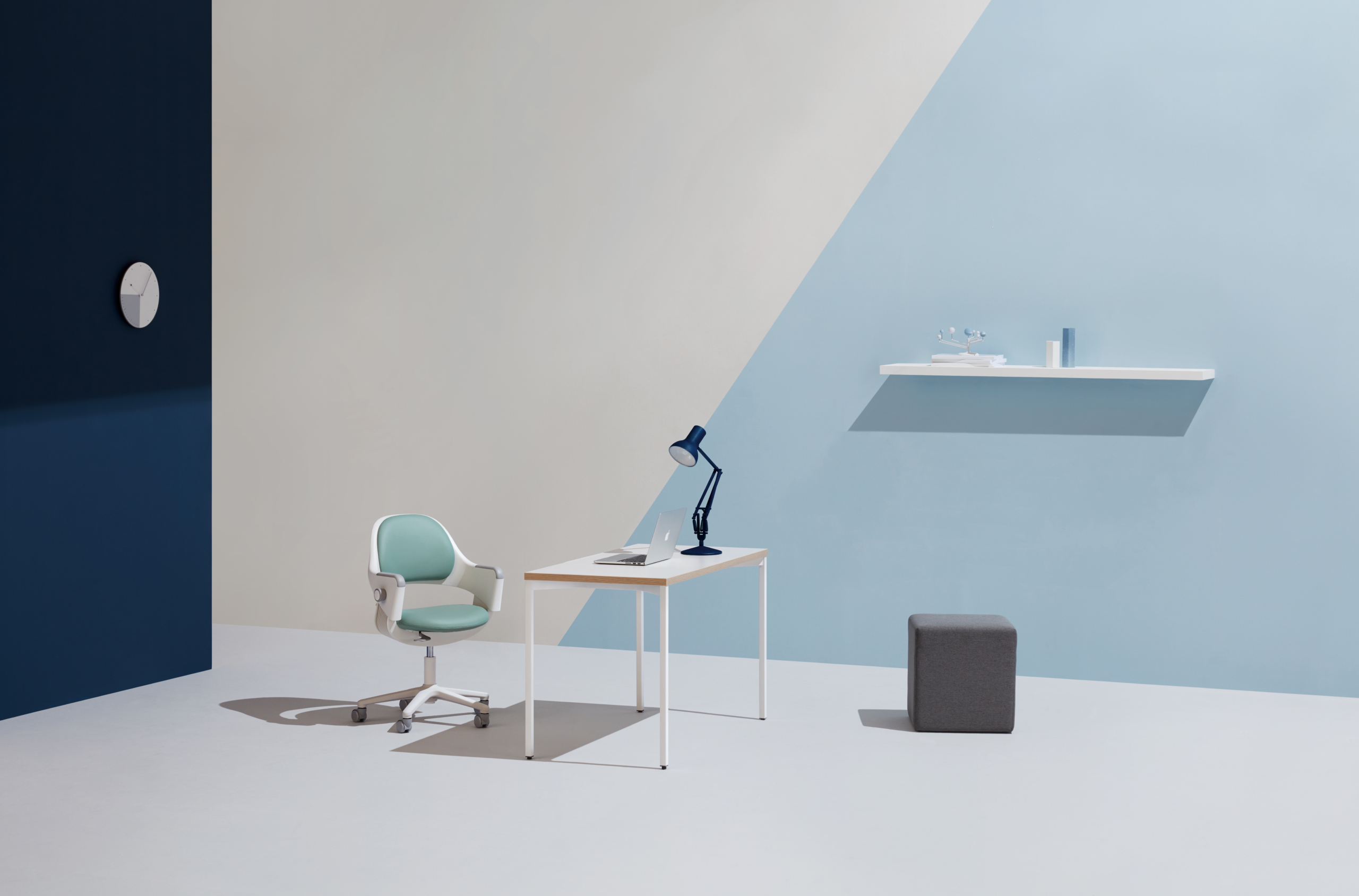
Ringo: The Ergonomic Chair that Grows with Your Child
Or browse our range of ergonomic kids’ chairs available in Bulgaria.
FAQ: Ergonomic Home Setup in Bulgaria
1. What is the most important piece of ergonomic furniture for a home office in Sofia?
The ergonomic chair is the single most impactful upgrade. Without proper lumbar support and seat adjustability, every other improvement is limited. After the chair, a height-adjustable sit-stand desk and a monitor at the correct eye level are the next highest-value additions.
2. How much should I spend on an ergonomic chair in Bulgaria?
Quality ergonomic chairs in Bulgaria typically range from €400 to over €1,000. While this may seem significant, consider that you will use this chair for 8+ hours a day, potentially for 5 to 10 years. The cost-per-day is negligible compared to the physiotherapy, productivity loss, and discomfort associated with a poor chair.
(See our Ergonomic Office Chair Cost-Benefit Analysis.)
3. Can I improve my ergonomic home setup without buying new furniture?
Yes — to a degree. Raising your laptop on a stand with an external keyboard and mouse, using a rolled towel as temporary lumbar support, and setting reminders to stand and stretch every 45 minutes will all help. But if your chair lacks proper adjustability, there is a ceiling to how much posture correction accessories can compensate. The foundation matters.
4. Is it worth buying a sit-stand desk for a home office in Bulgaria?
For anyone working 6+ hours a day at a computer, yes. A sit-stand desk is the most effective way to reduce the cumulative load of prolonged sitting. Electric height-adjustable desks are now available with free delivery to Bulgaria, making them a practical option for home office use.
5. Where can I try ergonomic chairs before buying in Sofia?
Studio Novo’s showroom is located at 5 Panorama Sofia Street, XS Tower, ground floor, Sofia 1766. You can try the full range of ergonomic chairs, sit-stand desks, and work tools in person before making a decision. Alternatively, all products on snolw.com come with free EU shipping and a 30-day money-back guarantee.
Conclusion: Your Home Office Should Work as Hard as You Do
A proper ergonomic home setup in Bulgaria is not a luxury. It is basic occupational health infrastructure for the modern remote worker — and it pays back in reduced pain, better concentration, and more sustainable output over the long term.
Start with what matters most: your chair, your desk height, and your screen position. Add movement through a sit-stand desk or regular breaks. And listen to your body — it will tell you when something is not working before it becomes a problem that is harder to fix.
If you want a personalised starting point, take the Studio Novo Ergonomic Assessment — it identifies exactly where your current setup is working against you and what to prioritise first.
Explore Studio Novo’s Home Ergonomics Range
Work Chairs
|
Sit-Stand Desks
|
Work Tools & Accessories
|
Kids’ Ergonomic Chairs
Free shipping to selected EU countries. 30-day money-back guarantee. Showroom in Sofia.
📍 5 Panorama Sofia Street, XS Tower, Sofia
📞 +359 88 494 2298
🌐 snolw.com
Blog

Why Your Chair Is Ruining Your Sleep
Yes, a poorly fitted office chair can disrupt your sleep. Hours of unsupported sitting build muscle…
The Truth About Workplace Ergonomics: 3 Expensive Myths You Need to Stop Believing
And why “I’ll fix it eventually” is costing you more than you think. You know the setup. A chair dragged in from the dining room…
Hybrid Work Doubled Your Ergonomic Problems
Two workspaces. Two sets of problems. One body absorbing all of it. When hybrid work became the new…